Businesses before had no other option but to use paper in their day-to-day operations mailings to clients, announcements and memos, daily reports and invoices, these were all done through a paper-based approach. After all, it was the convenient system and technology at the time.
This obviously came with drawbacks for any business and office. Paper usage comes with a sizeable part of the company expenses, not only due to the different kinds of paper that are needed for different kinds of operations, various supplies and items are also needed to use them effectively. Writing materials, printers and inks, adhesives, envelopes, and the like add to the things that needs to be bought as well.
Storage and filing also add to both the effort and money that goes to a paper-based approach. To have an effective filing system, numerous folders and labeling materials must be bought, each for a certain type of document. Storing paper documents and files is no walk in the park as well they must be properly stored to preserve them and not let damaging factors such as dust, pests, chemicals, and even emergencies affect the documents themselves.
Processing with a paper-based approach also takes its toll on overall productivity. A team, for example, will need copies of a certain document per member if they wish to brainstorm and revise its contents, then these will all be compiled still by another person. The hours spent on this is the time that could not anymore be recovered.
With todays age and technological advancements, however, the concept of a paperless office has begun to make a buzz among businesses and companies, and paper-based offices are making the transition. Many studies are already claiming that paperless companies are saving more money while also boosting their efficiency and productivity than the paper-dependent variant, and these benefits are enticing more to make the transition.
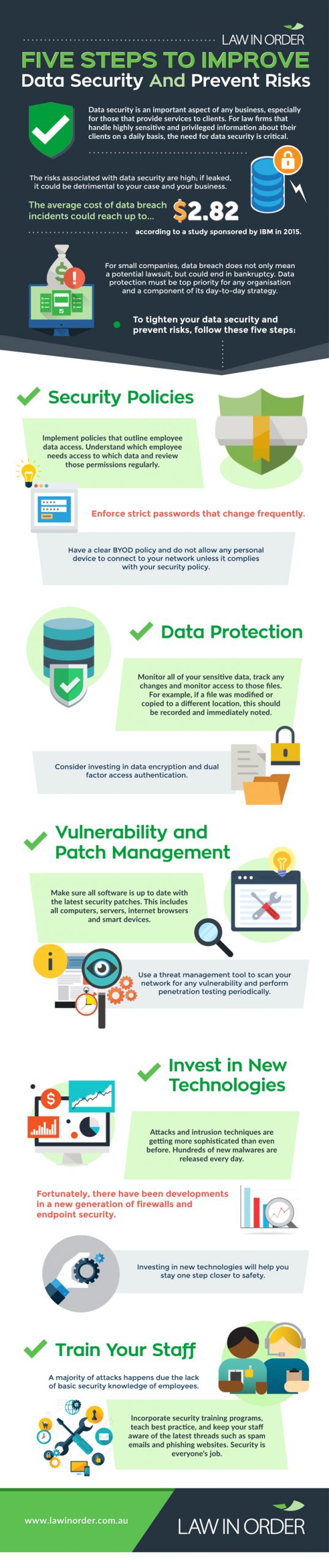
However, this is not always successful. Many companies make mistakes during the transition that the method ultimately fails for them, but it doesnt have to fail for yours. This infographic by Law in Order will help you make sure that transforming your offices process to a paperlite, or even paperless, one is guaranteed to succeed and reap you the advantages of the concept.