

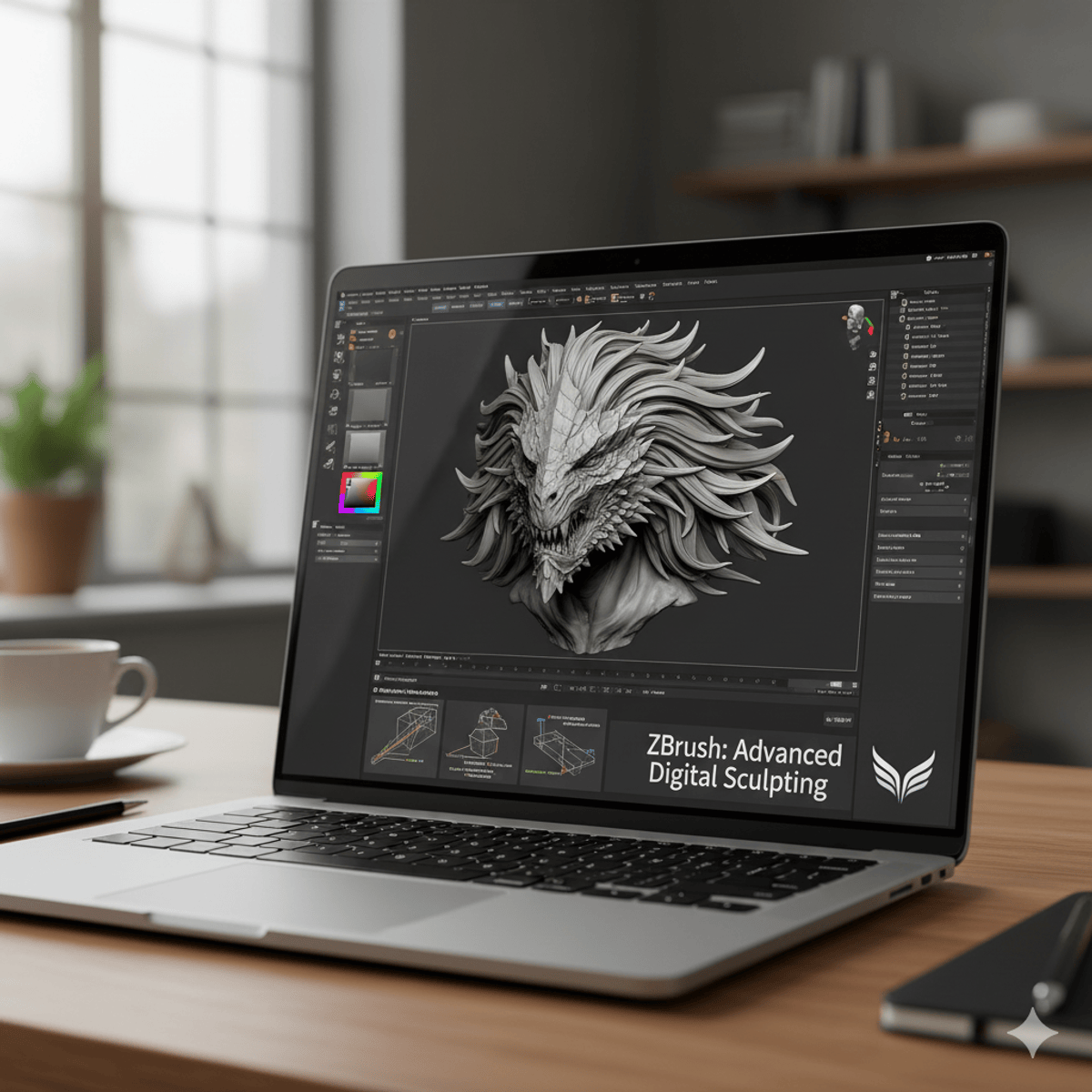
By the end of this course, learners will be able to apply DynaMesh for dynamic sculpting, design realistic Fibermesh hair and fibers, utilize advanced masking and curve techniques, manage files and GoZ integration, and customize brushes for professional sculpting workflows. This course takes a hands-on approach to mastering ZBrush, starting with foundational tools such as DynaMesh, LightCap, and BPR rendering, then advancing into masking, displacement mapping, and curve-driven mesh insertions. Learners will gain practical skills in saving, exporting, and integrating projects across platforms, while also exploring brush customization, mesh normalization, and Move Elasticity for complex workflows.
Unlike traditional tutorials, this course focuses on practical, project-ready techniques. Each module is structured to gradually build confidence, from sculpting basics to advanced mesh editing. By the end, learners will have the technical skills and creative flexibility to produce high-quality digital sculpts with precision and artistry.
