

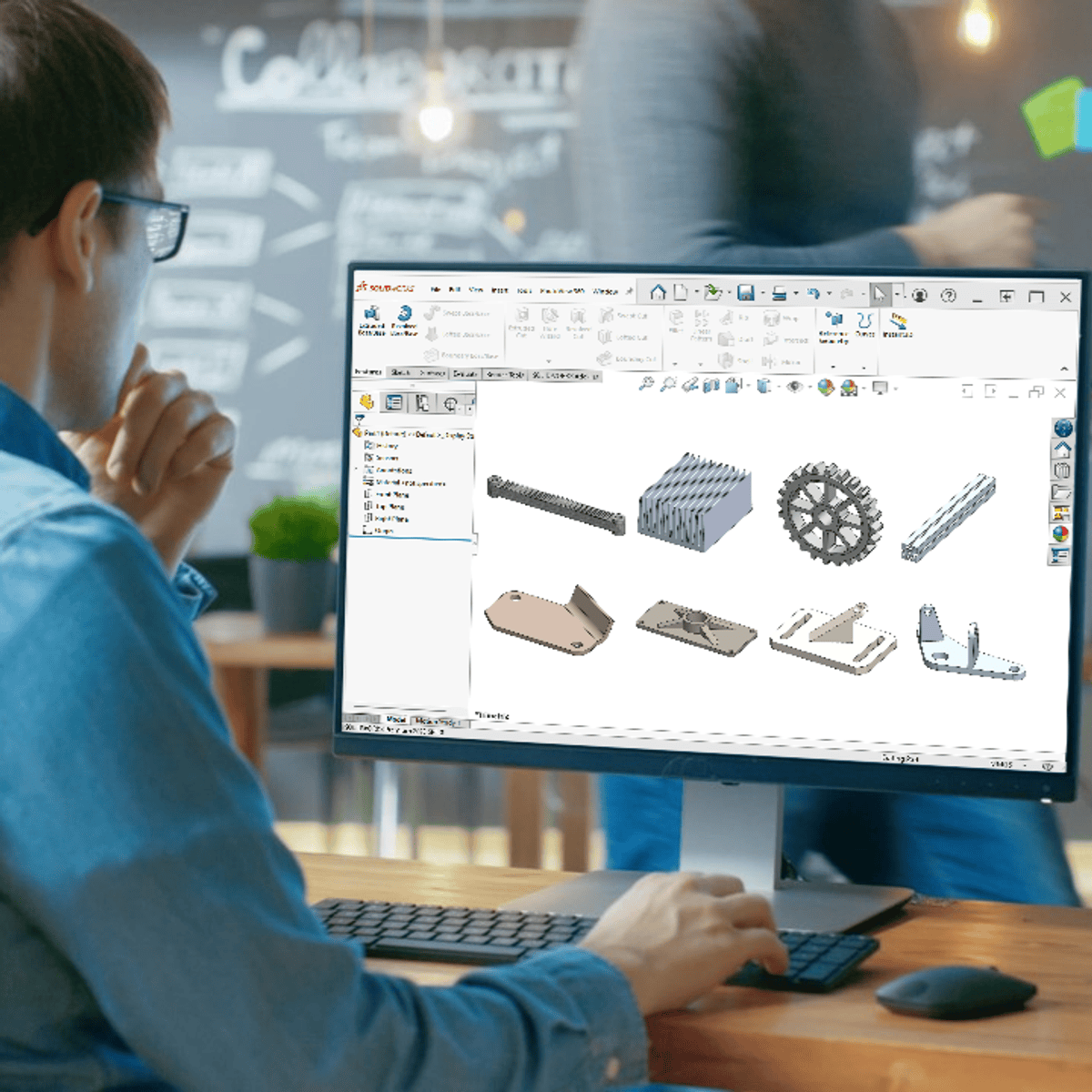
Welcome to SOLIDWORKS Advanced Sketching and Reference Geometry, the second course in the SOLIDWORKS 3D CAD for Education Specialization. We recommend completing Course 1(SOLIDWORKS Foundations: Sketching and Extrusion) before starting this course. This course dives deeper into 2D sketching techniques and introduces reference geometry tools to enhance your modeling precision and flexibility.
Upon completion of this learning module, you will be able to: – Create linear sketch patterns – Create circular sketch patterns – Create reference planes and axes. – Create slots in the sketch profile. This course is perfect for learners ready to level up from the basics and tackle more advanced modeling techniques. Software Prerequisites: SOLIDWORKS Desktop EDU
