

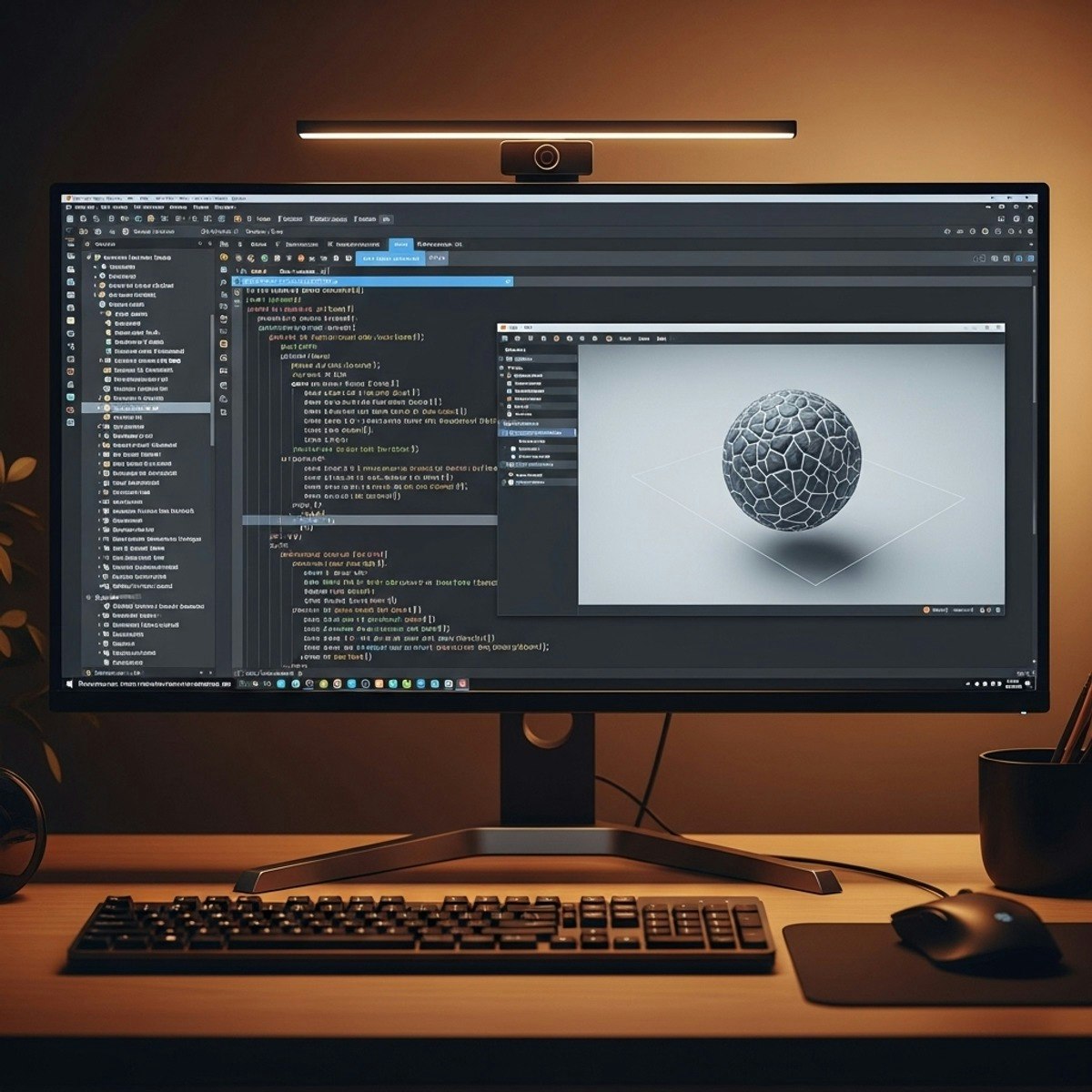
Learning outcomes: Design a Windows/DirectX app lifecycle; configure devices, contexts, and swap chains; implement shaders and the graphics pipeline; render frames with clean event loops; handle input and window resizing; optimize presentation with flip-model swaps; and debug, refactor, and finalize a leak-free build. This beginner-friendly course guides learners from “nothing on screen” to a stable, interactive Direct3D 11 application. You’ll set up a runnable pipeline, bind render targets and viewports, and validate with a Hello Direct3D frame before advancing to drawing, texturing, and frame presentation. Along the way, you’ll integrate Win32 input, structure Update/Render/Present for responsiveness, and build a simple star-field demo to practice per-frame updates.
Final modules focus on production readiness: resize-safe swap chain management, input/vertex layouts, class-based architecture, and disciplined COM resource cleanup. What makes this course unique is its end-to-end, code-first path that balances fundamentals with real-world details—like choosing formats, using flip-sequential presentation, and organizing rendering code for maintainability. By the end, learners confidently deploy a clear, well-structured DirectX app and know how to extend it.
