

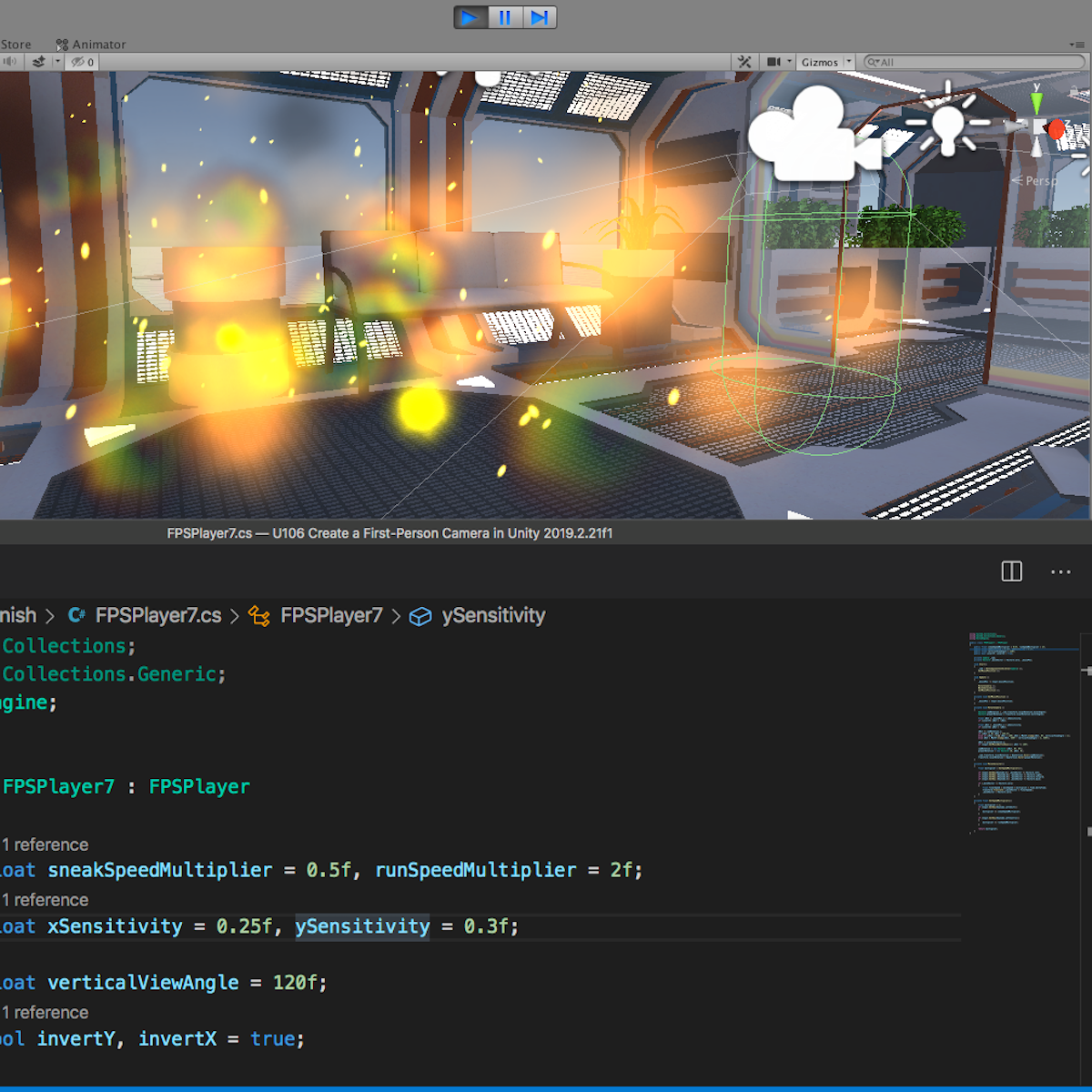
In this one-hour, project-based course, you will learn how to create a camera controller for a First Person Shooter game that will work on any computer and virtual machine. This project covers setting up the FPS camera and player, writing C# scripts that will control the player’s movement using the keyboard keys, and controlling the camera angle using the mouse. Note: Ordinarily, an FPS camera would use Input.GetAxis() in Unity. This works on all platforms but often breaks when using the Unity editor in virtual machines. This guided project creates a solution which, though more complex, will work on a virtual machine. This project makes use of the sci-fi-themed Unity scene created in Create Power-Ups and Obstacles with C# in Unity, which compliments this guided project.
Although that project is not a prerequisite, it’s recommended for a more well-rounded understanding of the concepts presented herein.
