

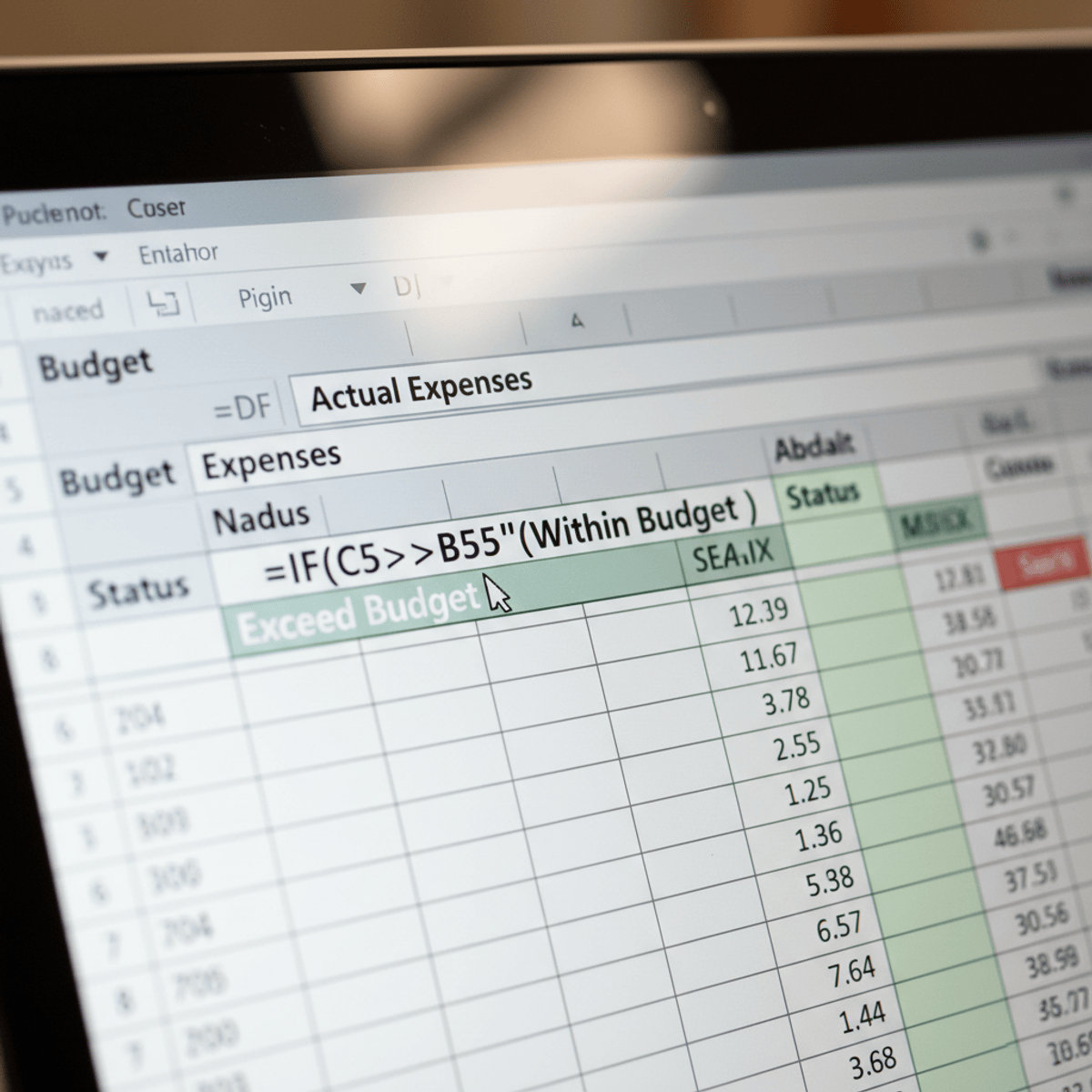
By the end of this course, learners will be able to navigate the Excel 2016 interface, enter and manage data accurately, apply formulas and functions for calculations, format data for clarity, use logical tools for decision-making, and troubleshoot common Excel errors. This Microsoft Excel 2016 beginner course is designed to help learners build strong spreadsheet skills from the ground up. Starting with Excel basics such as workbooks, worksheets, and the Ribbon, the course gradually progresses into data entry, calculations, formatting, and essential formulas like SUM, AVERAGE, and IF. Learners also gain practical experience through a guided case study that reinforces real-world data handling.
What makes this course unique is its structured, hands-on approach that blends concept explanation with practical application and efficiency tips. Built-in shortcuts, logic functions, and error-handling techniques ensure learners not only understand Excel but also work confidently and efficiently. Upon completion, learners will be well-equipped to use Excel for everyday tasks, business reporting, and data analysis, making this course ideal for students, professionals, and anyone looking to strengthen their Excel fundamentals.
