


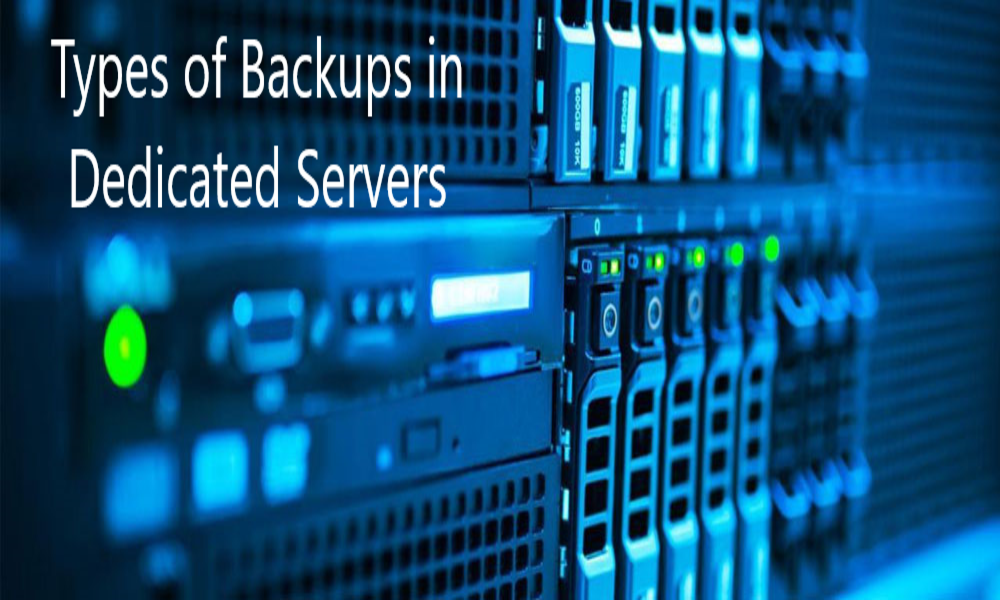
Understanding Dedicated Servers
When we consider the web hosting business, a dedicated server depicts the rental and exclusive usage of a computer that comprises a web server and its related software along with an Internet connection. Usually, the dedicated servers connected to the Internet are present at the web hosting company’s premises only.
A business needs dedicated servers for websites that may drive quite significant traffic volume in a day. However, the dedicated servers can also be configured and operated remotely from the client’s end as well. While renting out a dedicated server, the client might need a single system or a cluster of similar operating systems. A rented dedicated server has a static amount of memory, hard disk space along with bandwidth.
Types of Backups
Now that we have understood what dedicated servers are let’s understand what are the different types of backups that you can have-
- RAID Backups
RAID is a simple method that can be introduced for enhancing the data security that is hosted on your dedicated servers. RAID refers to a hardware setup that needs two physical disks. The underlying concept is- that when data is stored on one of the hard drives, it automatically gets replicated on the second hard drive. This is a hugely beneficial option in cases when any one of the hard drives fail, and you still have your data present on the other one, leading to no loss of data. However, the complete failure of RAID is an infrequent event. This backup method can be useful for those looking for dedicated servers with integrity.
- Off-site Backups
In any event, incurring data loss, you must have a second line of defense. You must look to retrieve your data back for building your dedicated servers once it is up and ready to go online. You can follow various techniques for creating a backup of your critical data. Having off-site backups creates the backup of your data on a different location and not on the hosted server. This method of creating a backup of your data is one of the easiest methods and automatic transfer of data can be done easily.
- Application Backups
Today, there are various applications that you might be using for your daily activities and these may be a good option for creating backup facilities. These applications help in reducing the amount of work done by you and also can be used for securing your data. Web hosting-based control panels like- cPanel and Plesk offer facilities needed for backing up accounts that are present on your dedicated servers to another remote location. These facilities immensely help as they allow quick restoration of your accounts in case your server fails.
- R1Soft Backups
Various web hosting providers like- bodHOST offers R1Soft Backups along with a complete range of dedicated servers for complete data protection and hindrance-free business continuity. R1Soft has the ability to create backups of the entire dedicated server by reading the disk at the lowest level. The backups of dedicated servers are performed bypassing the whole operating system and also has the ability to detect individual vectors as well. As compared to the traditional backup approaches that need to read every single file present on the server, R1Soft manages to do the same procedure in a very short time.
Some other benefits of having R1Soft Backups include-
- You can retain your data policies; thus, you can select the timeframe needed to store your backups. Various hosting experts believe that you need to perform backups daily
- R1Soft has been specially designed to adhere to the industry standards and can manage about 64TB of data from a single hard disk
- A web interface is usually provided so that you can manage your backups and download these files for restoring at any backup point that complies to your retention policies
Concluding Remarks
Various web hosting providers believe that it is important to perform the backup of your dedicated servers and the data on it regularly. In case your hardware goes down or encounters any kind of failure, you can easily restore your data by using the above-discussed backup methods.